Okta Bypassed: The UNC6671 Vishing Threat
by @mominmikhail24 views0 downloadsAug 9, 2026, 10:34
Keywords
UNC6671 vishing Okta bypasshelpdesk MFA bypassM365 MFA reset vulnerabilityvishing social engineeringUNC6671 ransomwarevoice phishingmulti-factor authentication bypassidentity hijackinghelpdesk security verification
Video Script / Transcript
A single phone call just bypassed Okta security. Let that sink in. You might’ve spent millions on state-of-the-art multi-factor authentication, firewalls, and endpoint protection. Yet all of it was neutralized in under five minutes. Why? Simply because a human being on the other end of a phone line was manipulated. This is the reality of the threat actor known as UNC6671. Honestly, it’s pretty wild, but they don’t even need to exploit a zero-day vulnerability in your software. Instead, they exploit the trust of your IT helpdesk.
Here’s how the attack unfolds. The threat actors use voice phishing, or vishing, to impersonate your actual employees. Armed with basic personal information gathered from public profiles or previous data leaks, they call your IT helpdesk. They claim they’re locked out of their accounts, or that they’ve lost their mobile device, and request a multi-factor authentication reset. Once the technician resets the MFA, the attackers register their own device, hijack the user session, and gain a foothold inside Okta or Microsoft 365. From there, they deploy ransomware, steal sensitive data, and disrupt operations. It’s a human-centric attack that renders purely technical controls completely useless.
So, how do we stop this? You need to implement three concrete steps starting today to secure your helpdesk verification workflows.
First, implement out-of-band verification. Never allow a helpdesk agent to reset MFA based on verbal confirmation alone. Instead, require them to send a push notification through an already registered authenticator app, or send a one-time code to a verified personal phone number on file in your HR system. If the employee can’t access either of these, require a video verification check where they must present a government-issued ID on camera.
Second, establish a strict verification hierarchy. If an employee can’t satisfy the standard verification checks, the request must be escalated to a supervisor or require manager sign-off. Don’t leave the decision solely to a tier-one helpdesk agent who’s under pressure to close tickets quickly.
Third, enforce session lifetime limits and continuous monitoring. When an MFA reset does occur, flag that account immediately for high-risk monitoring. Set active sessions to expire quickly, and watch for anomalous login behavior—like a session suddenly initiating from a new device or an unexpected geographic location right after the reset.
Securing your identity provider isn’t just a technology problem; it’s a process and people problem. Talk to your helpdesk team today, review your MFA reset policies, and shut down this vulnerability before the next call comes in. Stay secure, stay vigilant, and let’s build a stronger defense together.
Related Creations
Explore AI creations on similar topics generated by the community

VR-H3: Robot Hình Người Make In Vietnam Có Gì Đấu Tesla?
by @fx304hn2026-10-24T22:15:33Z
2 views
Bộ Dữ Liệu RobotDesign1M: Bước Đột Phá Triệu Mẫu Của FPT AI
by @fx304hn2026-10-23T22:08:48Z
7 views
Giải Mã Robot Hình Người VR-H3 VinRobotics: Đỉnh Cao AI Make In Vietnam?
by @fx304hn2026-10-22T22:00:59Z
12 views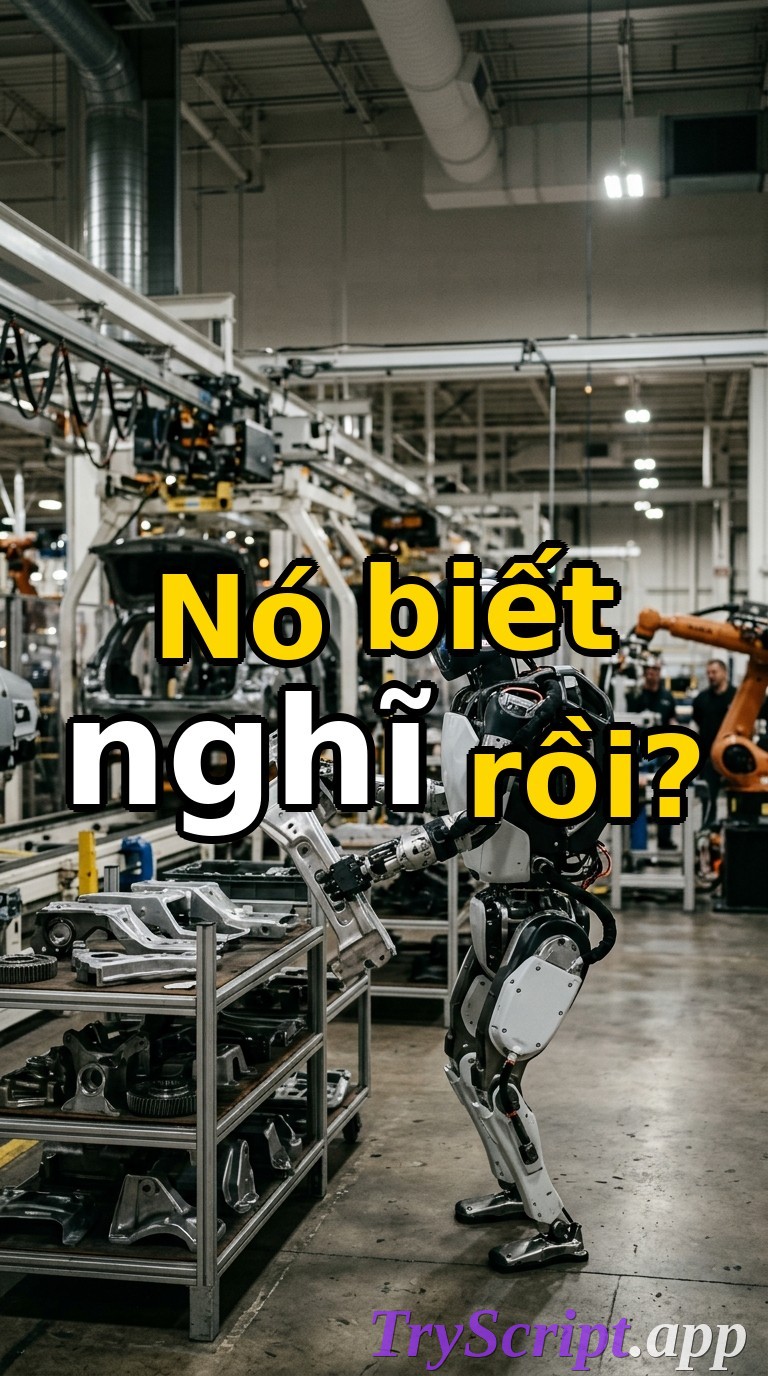
Robot Atlas Thuần Điện Boston Dynamics Bốc Dỡ Phụ Tùng Ô Tô
by @fx304hn2026-10-21T22:28:14Z
12 views
DeepSeek-R1 và V3: Cơn Địa Chấn AI Khiến Silicon Valley Khiếp Sợ
by @fx304hn2026-10-20T23:21:20Z
15 views
Tesla Optimus Gen 2 Tự Phân Loại Linh Kiện: Đã Thực Sự Sẵn Sàng Làm Việc?
by @fx304hn2026-10-19T22:40:51Z
16 views